
Content Management
01 /Articles, categories and pages, with covers, custom ordering and featured placement.
STRUCTURED CONTENTOFFICIAL APP
The official content app from Pinmok — articles, categories and pages, managed in one place.
Multilingual by default, with template tags and frontend rendering built in. Install it and start publishing — just enough content management for company sites and blogs.
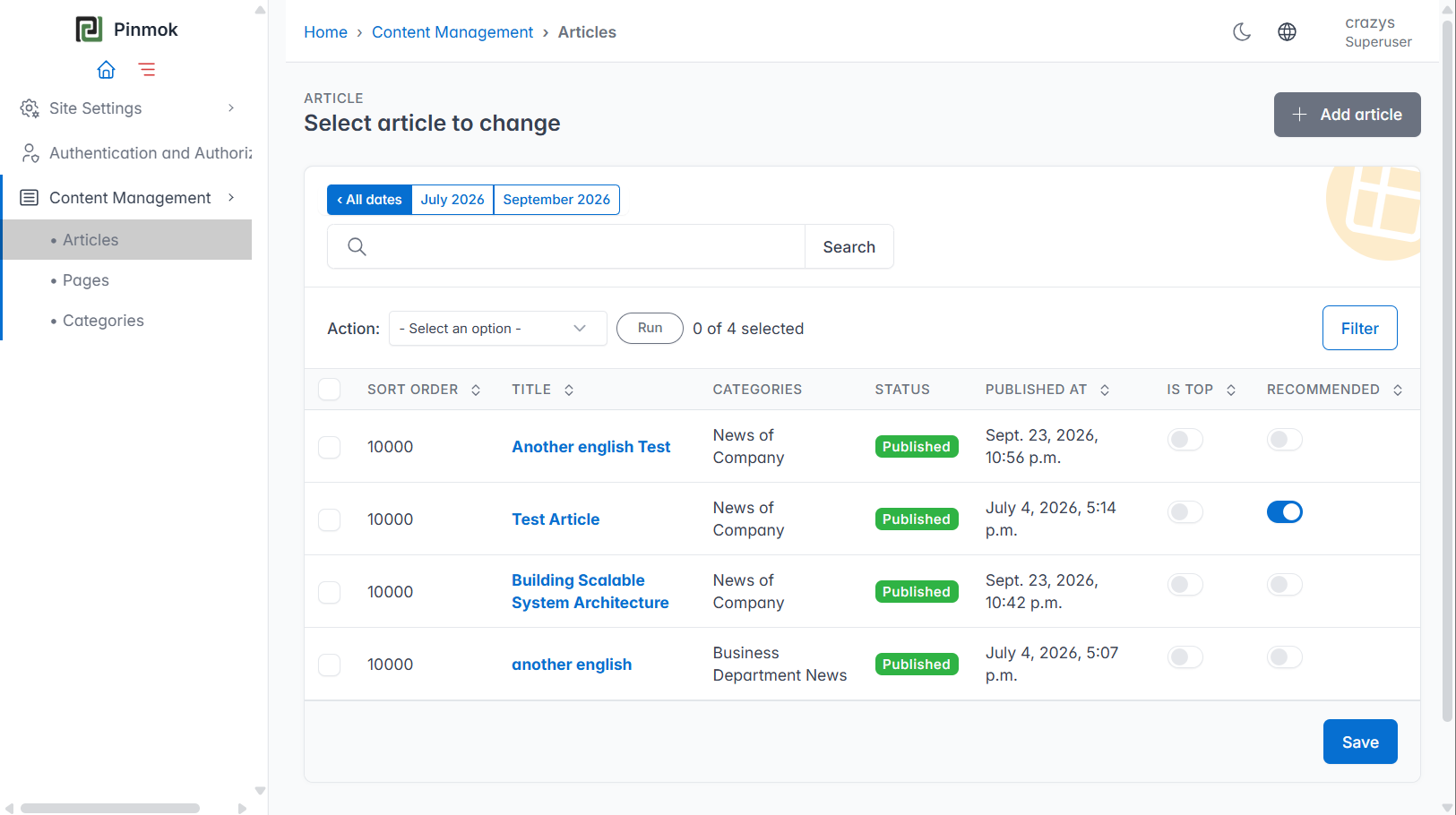
One app for the whole path — from authoring and multilingual management to frontend rendering.
Articles, categories and pages, with covers, custom ordering and featured placement.
STRUCTURED CONTENTTitles, summaries and body text stored per language — switch languages and compare.
LANGUAGE VARIANTSDraft, review and publish — the full lifecycle, with publishing rights controlled separately.
EDITORIAL FLOWTheme system, template tags and data sources. Most templates need no extra backend code.
THEME NATIVEMedia files are stored separately from the body text. All languages share the same files.
REUSABLE MEDIARead-only REST API with pagination, sorting and filtering for decoupled frontends and mobile apps.
READ-ONLY APIInstall it into your project with pip. Pinmok Core must be installed first.
Or clone the source and install it in editable mode — useful when you plan to customize it.
Register it in INSTALLED_APPS, then run migrations and sync the menu.
Declarative template tags — no queries to write in your views.
More tags and data sources are covered in the docs.